

Start with the everyday
Which rooms matter, who uses the controls and what would make life better? We consider the building, existing equipment, budget and future plans together.
DESIGN / CHOICE / RESPONSIBILITY
You do not need to choose a collection of brands and hope they fit. We turn the way you want to live into a considered system, with the trade-offs explained.
THE BRIEF COMES FIRST
Which rooms matter, who uses the controls and what would make life better? We consider the building, existing equipment, budget and future plans together.
We decide what handles everyday automation, what provides specialist functions and how those parts communicate. Integration needs a purpose and an agreed support owner.
We explain installation requirements, recurring costs, access, updates and replacement options. The support plan belongs in the design, alongside the hardware.
DIFFERENT HOMES. DIFFERENT APPROACHES.
These are starting points for a design conversation. Exact products, interfaces and supported functions are checked against your project.
For a renovation or a wider automation brief, we can consider a platform such as Loxone to coordinate compatible lighting, climate, shading and other functions.
The questions: what needs to work together, how will it be wired and how will it be maintained?
Explore LoxoneHome Assistant or Homey may suit a brief involving existing devices and more flexible routines. We assess the exact controller, integrations and support requirements.
Local operation depends on the equipment and integration; some services still need the cloud. Updates and backups need a clear owner.
Understand local controlNetworking, security, access and audio each have their own requirements. We select suitable systems for those jobs and connect them where that improves the experience.
An integration should preserve essential specialist functions and keep responsibility clear.
Meet the technologiesWall switches, apps and voice controls can each have a place. We choose the appropriate controls around the household and the functions that need to remain accessible.
We explain any cloud, account or subscription dependencies before they become part of your daily routine.
Explore home automationDESIGNED FOR REAL LIFE
We identify which everyday functions can operate locally and which rely on external services. The design and handover explain those dependencies, and whether a backup connection would be useful.
We plan physical controls and manual overrides for the functions that need them. Everyday tasks should have an understandable route for the people using the home.
We consider restart behaviour, controller dependencies and any justified backup power. The expected recovery process is part of commissioning and handover for the agreed systems.
We consider intuitive switches, temporary access where supported and a guest network. Visitors should not need your administrator account to feel at home.
Clear records, agreed account ownership and available configuration backups make future maintenance easier. We explain any manufacturer, licence or installer access restrictions.
THE HOMETECH HOME RECORD
An understandable record of the technology we look after, with the handover contents and maintenance responsibilities agreed in your project or care plan.
Know what is installed, how the important parts connect and who to contact. We agree account ownership and access with you, and handle credentials through a secure process.
As the installation changes, keeping its record current can form part of ongoing care.
For the agreed systems. Available records, access and backup facilities are checked during onboarding.
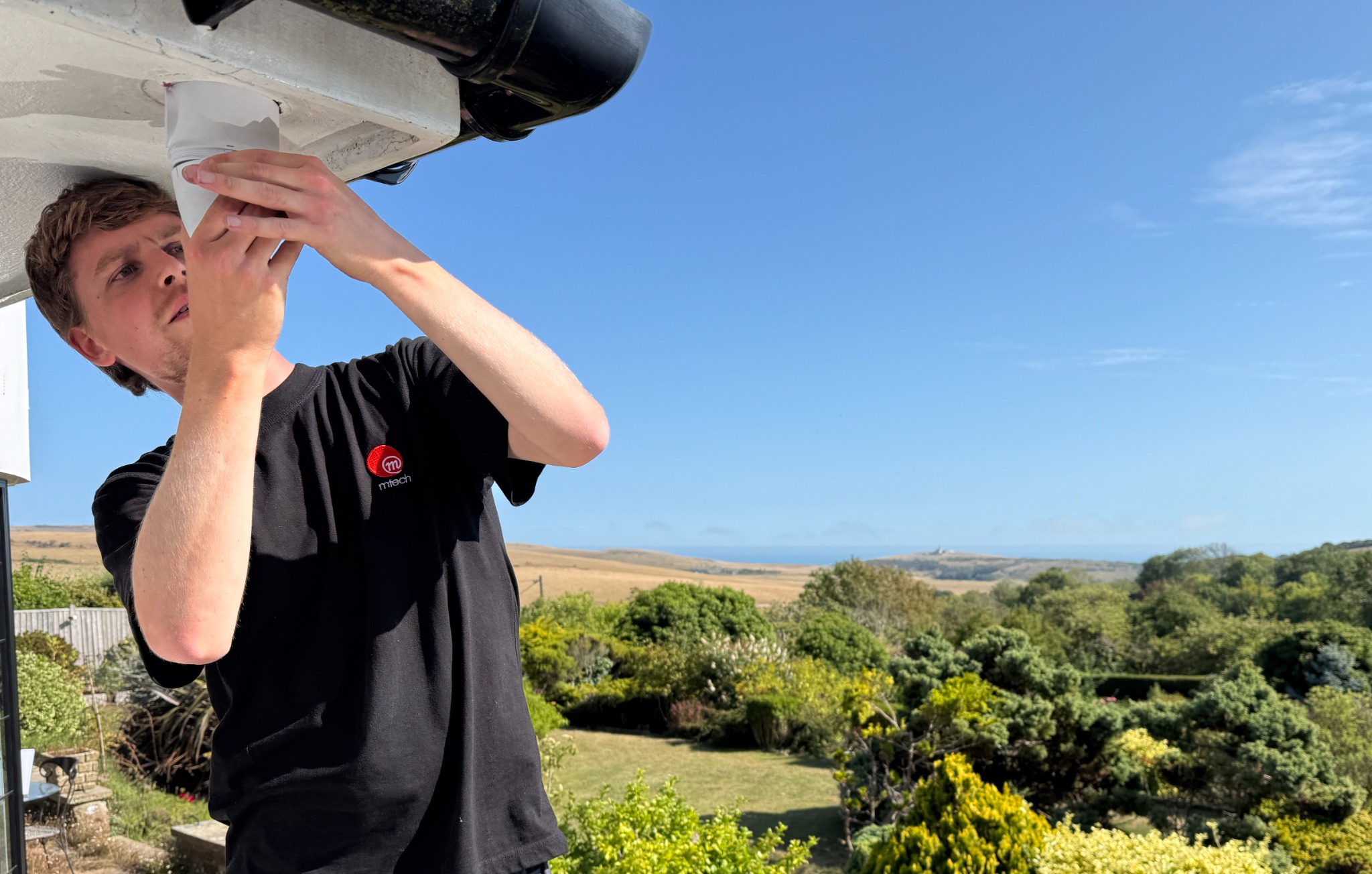
QUALITY LIVES IN THE DETAILS
A camera’s position affects the useful view and privacy. A cable route affects maintenance and the finish. An alert is only useful if the right person understands what to do next.
We discuss these decisions as part of the installation. Our wider M-Tech project experience shows the environments and systems behind that approach.
See the experience behind HomeTechA quick fix or a bigger plan.
Start by telling us about it.